CURRENT NEWS

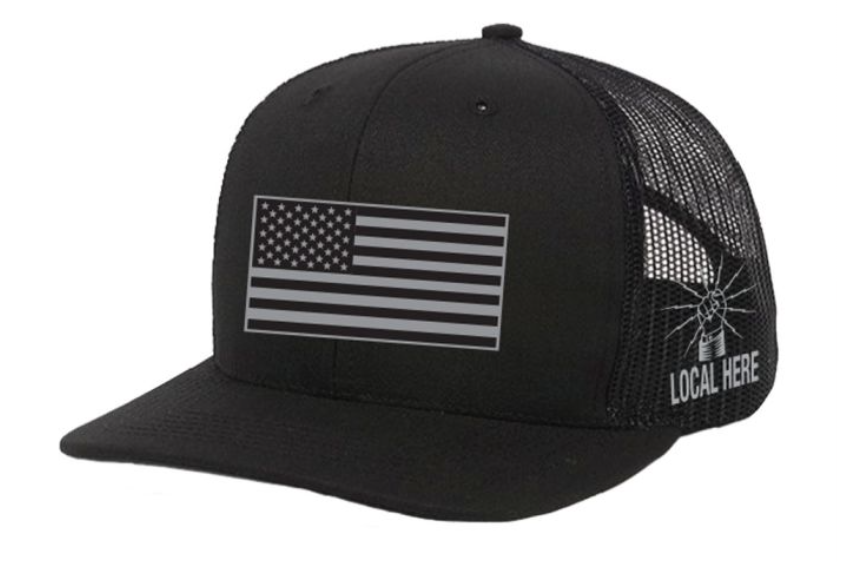

Merchandise Survey Result
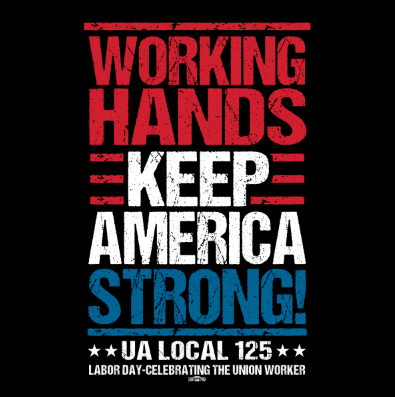
/The winner of the Merchandise Design Survey is…

Lineman ALBAT Apprentice Applications
/ALBAT Lineman Apprenticeship Program in IBEW Local Union 51 jurisdiction will be open and taking applications from February 9-10, 2026.
Applications will only be available through the ALBAT website at www.albat.org during the dates listed above. Please be aware that the albat.org site is on eastern time.
IBEW Veterans Challenge Coin
/IBEW members who share the bond of military service can now stand up to be counted — and honored.
A new challenge coin shaped like a dog tag features the U.S. flag on one side and Canada’s Maple Leaf on the other. The IBEW logo is on both.
To have the new Veterans Challenge Coin sent to you free of charge scan the QR code or visit: ibew01.formstack.com/forms/veteranchallenge
Golf Scholarship Outing June 7
/Register your team for our annual golf scholarship outing!


2024 Scholarship Golf Outing
/Mark your calendar for Saturday, June 1.

IBEW Founders' Scholarship
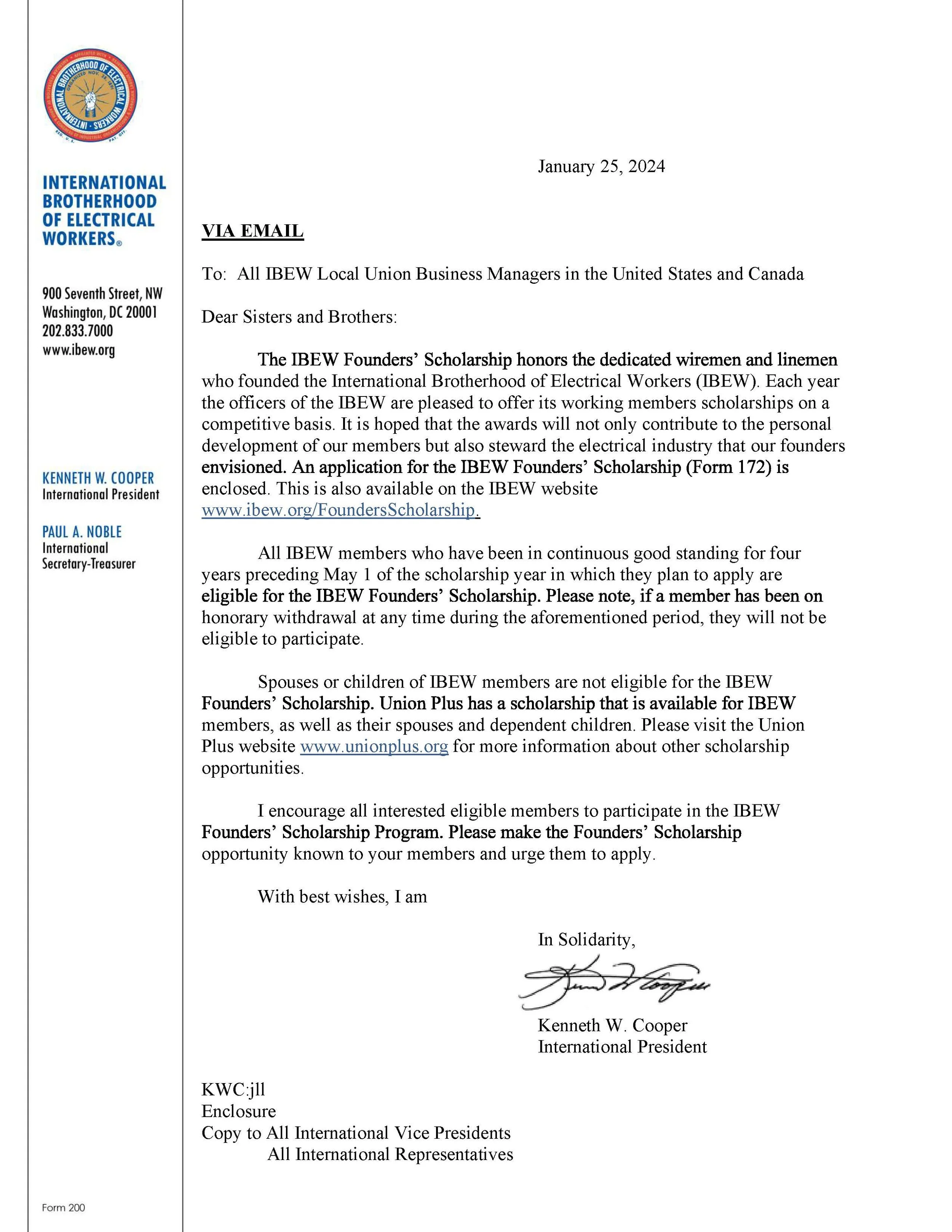
/Please see the correspondence below from International President Kenneth Cooper regarding the IBEW Founders’ Scholarship. If you have any questions regarding your eligibility, contact the Local 51 Hall at 217-726-8481.
Quick links: